
From keyword research to site analysis and beyond — our platform equips you with everything you need to enhance your online presence and drive organic traffic. Whether you're a seasoned SEO expert or just starting out, our user-friendly interface makes optimizing for search engines a breeze.
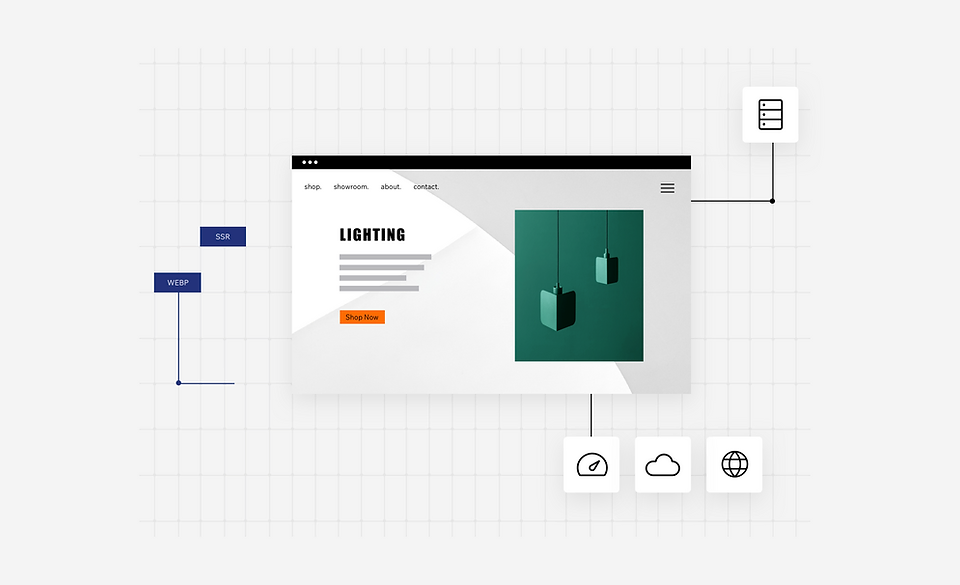
WooCommerce Monster's infrastructure aligns with the needs of search engine crawlers to best support site performance — giving you a solid head start on SEO from day one.
- Server-side rendering and customizable URL structure for maximum crawlability
- Auto-generated and maintained XML sitemap — always up-to-date with all pages and relationships
- All images instantly compressed, resized and converted to WebP for accelerated page loading
- Customizable URLs and slugs to match your SEO strategy perfectly
WooCommerce Monster gives you the freedom to use or modify default meta tags, URL structure, slugs, structured data markup and more. Create your own SEO logic and apply it across multiple pages of the same type at once.
- Aligned with Google's rich results recommendations — structured data markups on dynamic pages
- Modify presets using variables and add multiple markups to pages of the same type all at once
- Your pages are automatically eligible to appear as rich results in Google search
"name": "Leather Bag"
Get your tailored checklist based on your business, location, and keywords. Follow actionable steps to build a strong SEO foundation, get indexed on Google in seconds, and start optimizing your site for search engines.